Class Notes
Blocks – Where each item, text, image etc. is placed within. It is like a <div> tag in html.
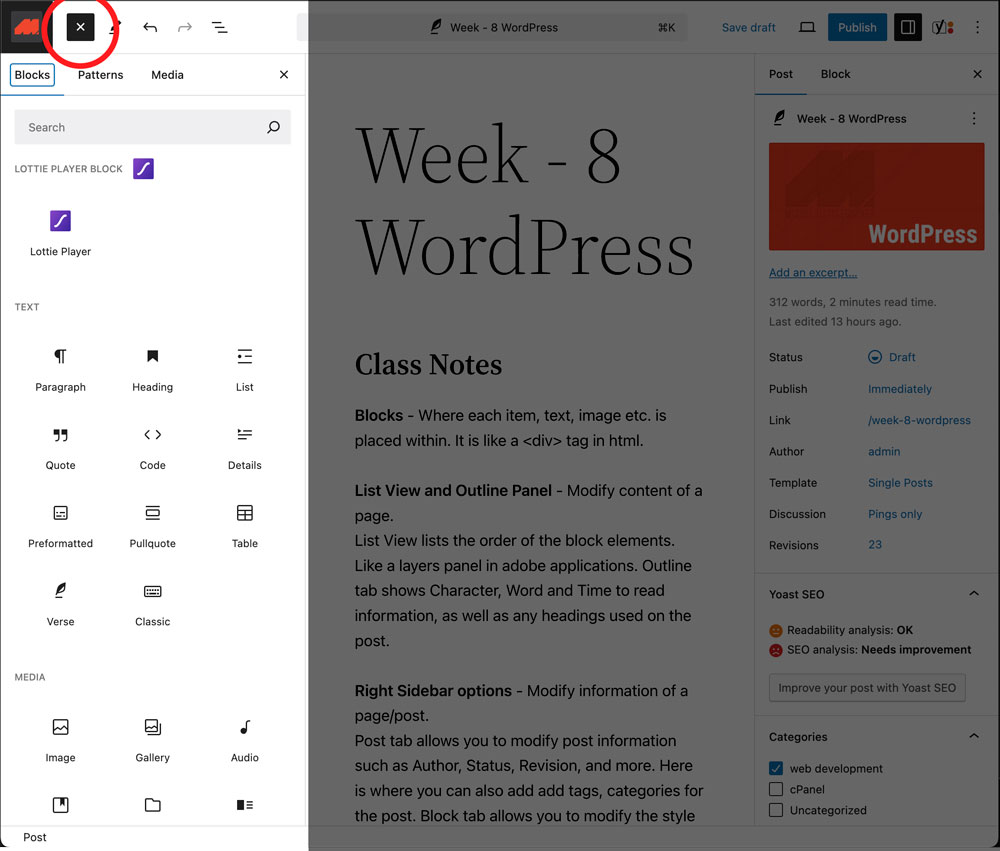
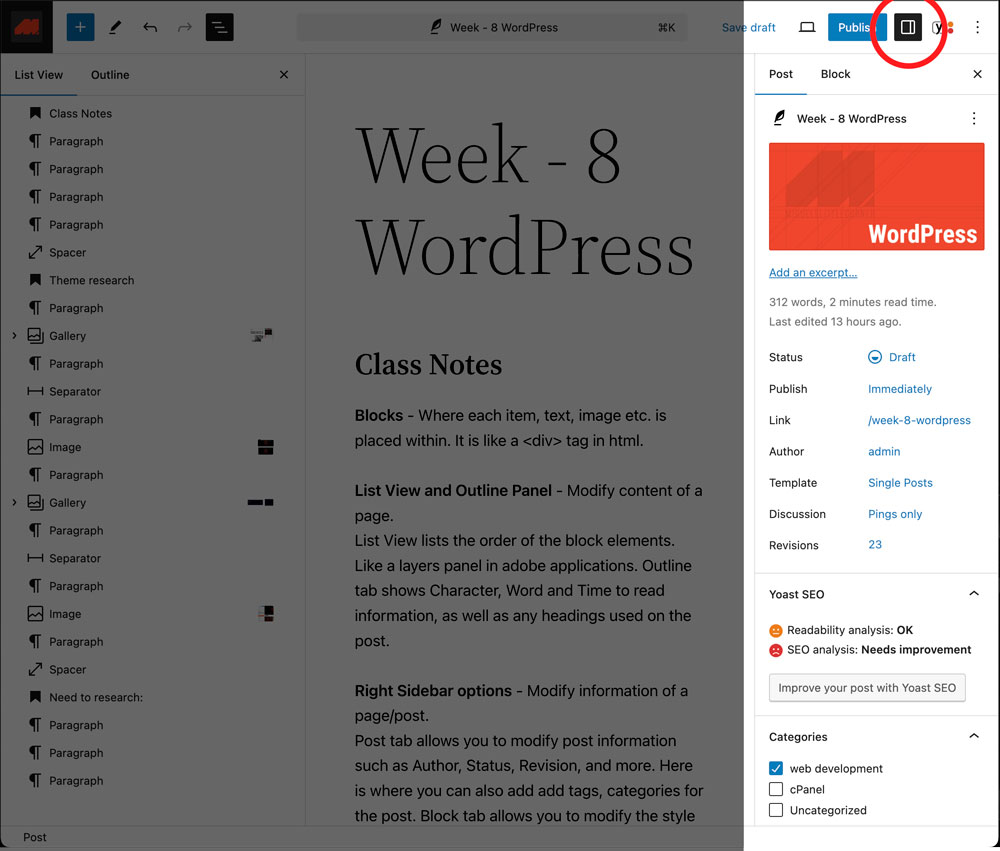
Block Editor Panel – Where you can find various “blocks” designed to contain various content such as text, headings, images, separators and more.
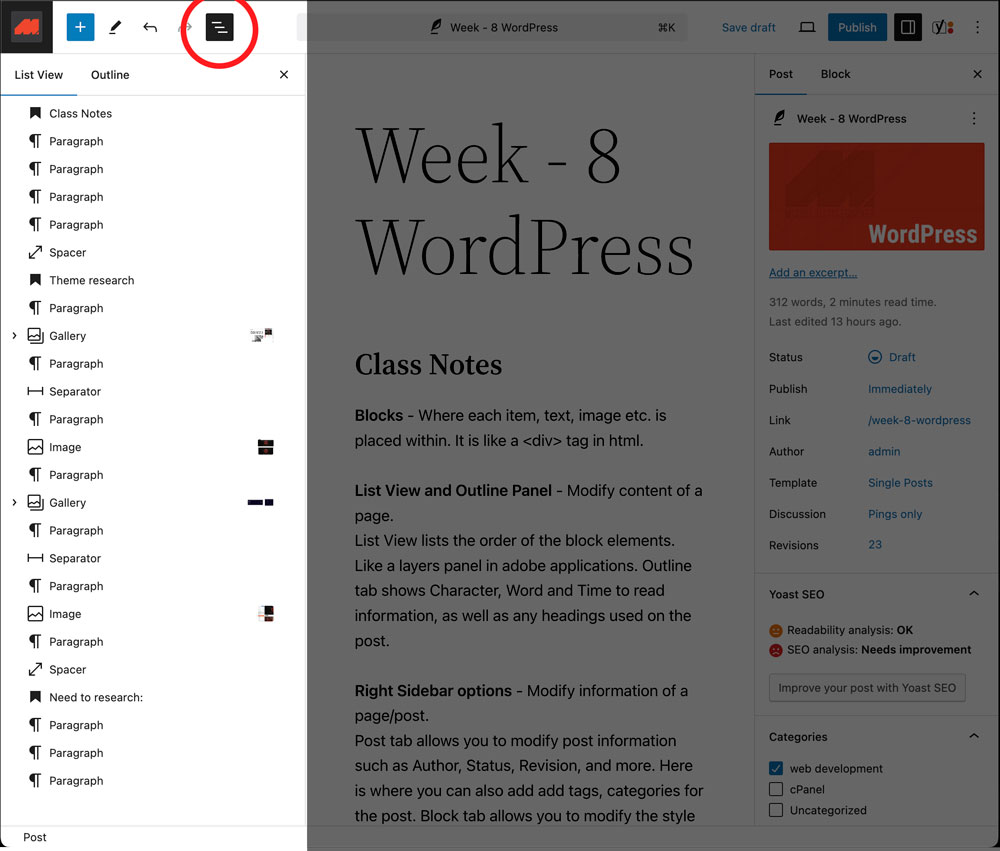
List View and Outline Panel – Modify content of a page.
List View lists the order of the block elements. Like a layers panel in adobe applications. Outline tab shows Character, Word and Time to read information, as well as any headings used on the post.
Right Sidebar options – Modify information of a page/post.
Post tab allows you to modify post information such as Author, Status, Revision, and more. Here is where you can also add add tags, categories for the post. Block tab allows you to modify the style of a block.
Pages and Posts
Page – To edit over time. Static ex. Home page.
Post – They can be take out, disabled. Dynamic ex. Blog page.
Themes
A WordPress theme is a template with a defined styles, layouts, types, colors which can be customized by the user/admin
Child Themes – Based of a Main Theme, it can over ride parent themes.
Tags and Categories
Categories – Every post must have at least one category, default is “Uncategorized”. Categories can have a parent > child hierarchy.
Tags – Not required for every post. Same level hierarchy.
An example of using both:
Category: Social Media
Tags: Instagram | Facebook | TikTok
Theme research
Theme: Extendable and Corpiva
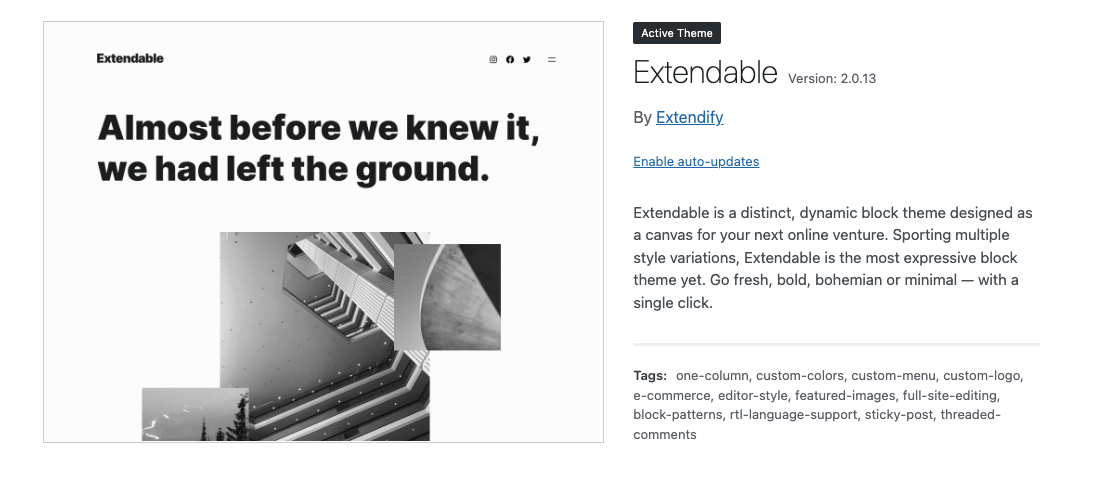
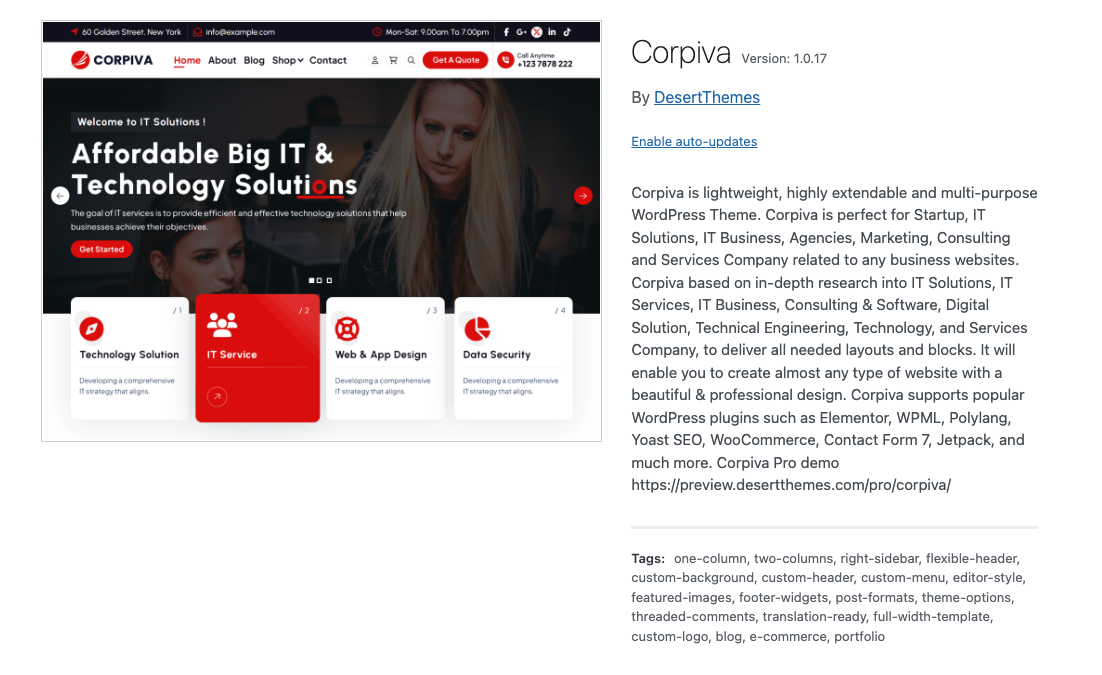
I installed these two themes, modified some of the content and I applied it to my themetest subdomain.
Theme: Extendable
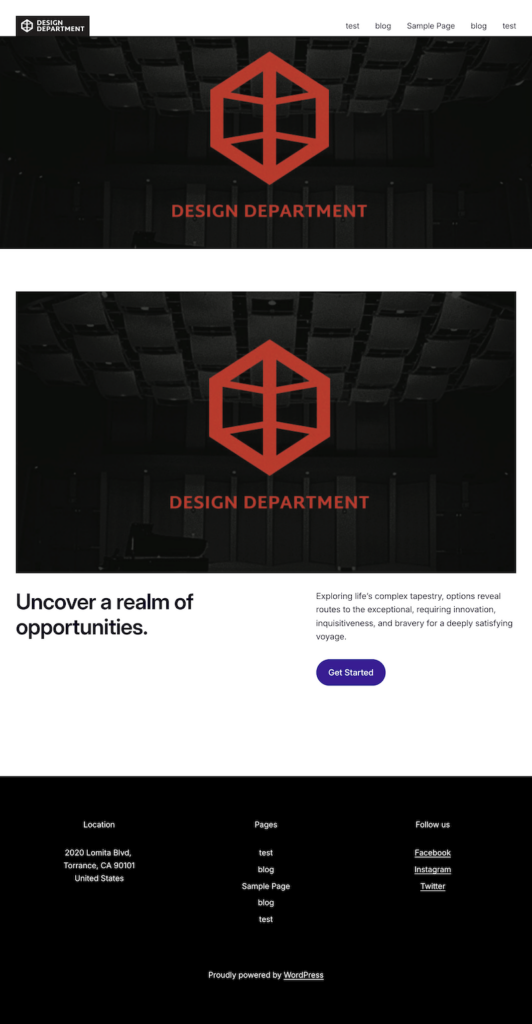
Additional patterns for the footer that could be used:
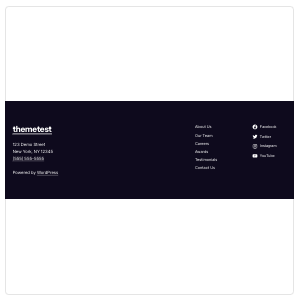
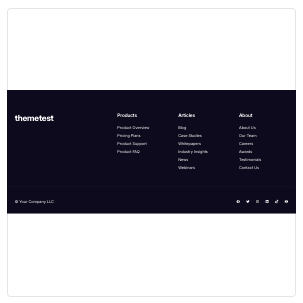
Pros: Various styles and templates can be modified.
Cons: Few patterns for navigation.
Theme: Corpiva
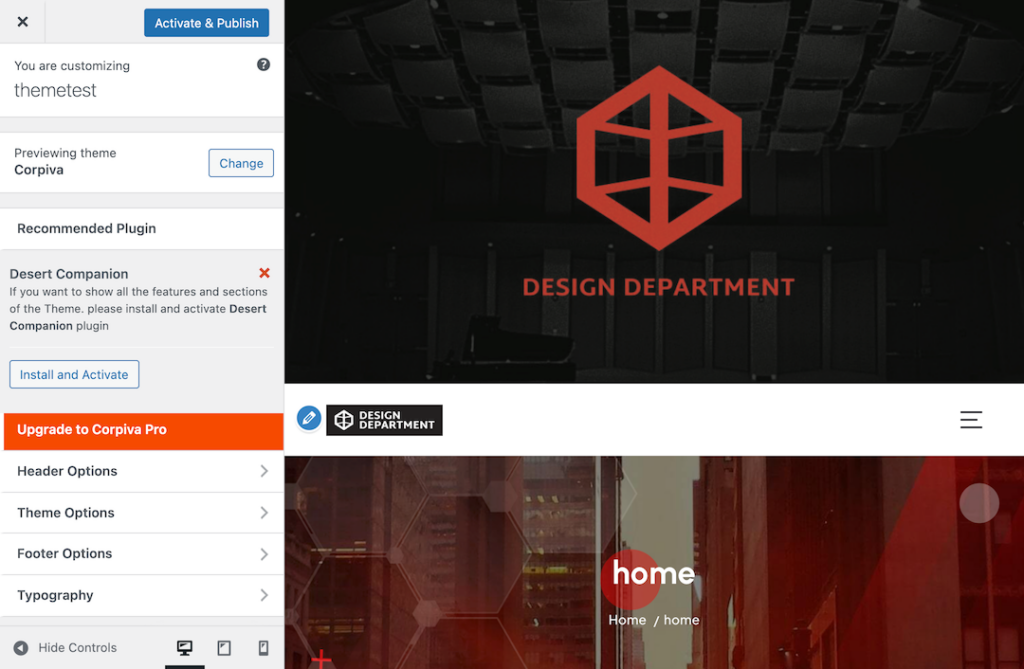
Pros: Ability to modify certain elements from the side panel.
Cons: Unfortunately it is difficult to modify certain elements. Could not figure out how to remove the the default Hero Section.
Need to research:
useful plugins that may be used.
additional themes that are easier to adjust/update by the client.